
Online booking for a fitness club or sports studio
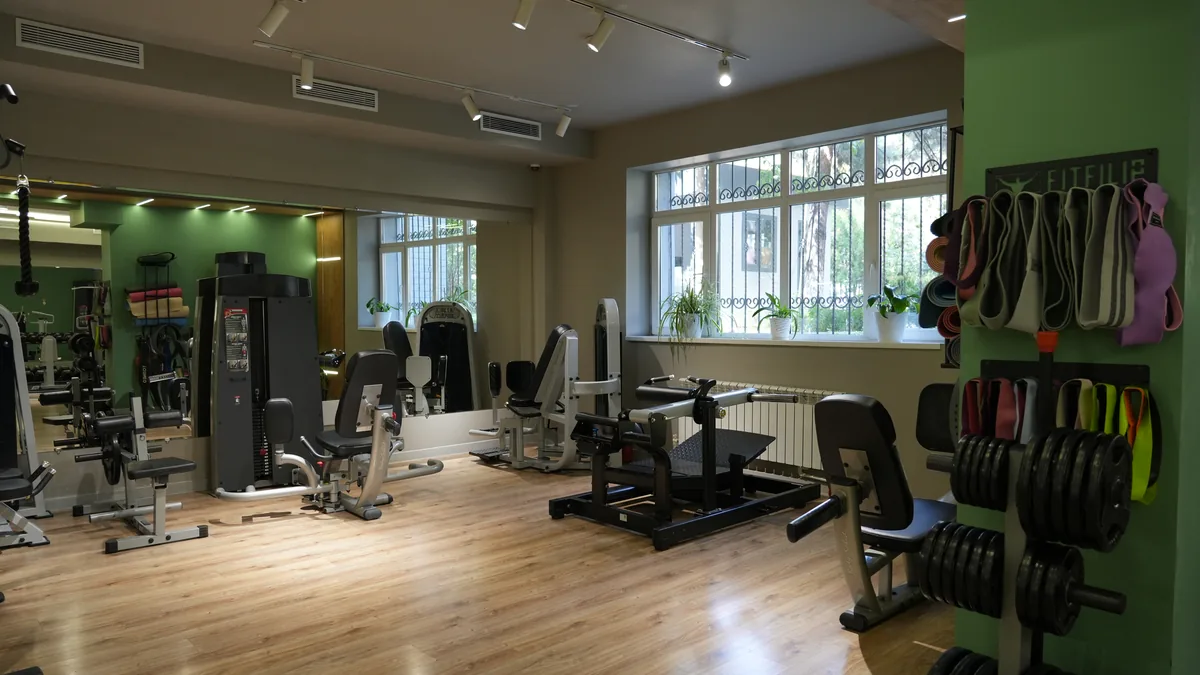
Why does a club need online class booking? How is the class schedule connected to client loyalty? How can schedule planning grow revenue per square meter and the renewal rate? That is what this piece is about.
The two most common problems
Online booking solves several problems for fitness clubs and studios at once. The two most common: groups that do not fill up, and groups that overfill.
Groups that do not fill up cost the club money: in effect the trainer is paid for a group of one. Meanwhile they could have run a personal session, a split or a small group.
Overfilled groups damage client loyalty instead. There is not enough space or equipment, the trainer's attention does not stretch to everyone, and chaos sets in. For newcomers that can be a signal to avoid certain hours, or to stop training at your club altogether.
Telling people about a moved or cancelled class
Another significant problem: notifying the right people when a class is moved or cancelled. If something goes wrong, say a trainer falls ill and no substitute is found with only hours to go, you end up calling regulars by hand or posting an urgent announcement. Sound familiar?
The schedule and online booking widget solves this: clients see that the class is cancelled or that a colleague is standing in. And with the mobile app you can send instant push notifications. That is already included in the app, with nothing extra to pay as with SMS.
Online booking also makes it easy to identify who is booked for a class and reach them quickly. In a flood of information not every client notices announcements about schedule changes, so they appreciate being contacted personally.
What a class schedule usually looks like
A grid built in Word or Excel, a wall of text on social media, A5 printouts for clients: all of that can stay in the past. Clients want an up-to-date schedule at hand and the ability to book without calling the front desk.
The schedule and online booking widget
The FitBase schedule widget can be placed on any page of your website, or linked from social media if your studio has no site. The schedule syncs fully with the data in the system. A client can book any available class in under a minute: enter a phone number on the class card and press 'Book'.
A booking from a client who already has a profile appears in the system with their details, so you see the full list of who is booked. If the phone number is not yet in the system, the booking lands in the 'Requests' section and an automated task is created for the manager: get in touch, confirm the details, confirm the booking.
Booking in the mobile app
In the client app online booking is even more convenient: not only can they book a class themselves, they can also cancel. Push notifications are available too, so clients can be alerted instantly about schedule changes or a trainer substitution.
Push reminders about an upcoming class can be configured, for example an hour before the session. That both builds discipline and raises the share of people who actually show up.
What online booking is good for
There are at least seven reasons you cannot do without it.
1. Attracting new leads through the schedule widget
A new client sees a free seat and that booking is possible, which speeds up the decision to come to a first session. The simplest scenario: the client arrives from your social media or website into the schedule and registers themselves with a phone number. No calls, no asking around about the timetable.
How does the manager see it? A phone number appears in the 'Requests' section. The manager calls or writes to confirm the booking and creates a client profile. Next time the system recognises the person by their number.
2. Managing group occupancy
Attendance statistics show which classes are overfilled and which are not popular at all. In the first case add extra groups at peak hours where possible; in the second, drop the class from the grid.
In FitBase a class can be cancelled automatically a few hours before it starts if nobody has booked. That saves the trainer's time and helps optimise the grid.
3. Sensible allocation of space and equipment
Everyone knows the situation where a client arrives and there is no mat, no free machine or no room left in the hall. Capping the number of seats per class through online booking solves that.
4. Reminding the client about a booked class
Push notifications about classes affect turnout. You can also see who books popular classes and then fails to show without cancelling. When everything is recorded in the system, such cases are far easier to spot and address in time.
5. Value through a limited number of seats
On our near-term roadmap is a waitlist that works automatically rather than by hand. When a class is fully booked the waitlist opens, and whoever joins it gets the chance to take a freed seat and attend.
6. Class ratings and attendance analysis by trainer
It matters to understand which classes rate highest and to analyse attendance by trainer: that is how the group occupancy problem gets solved.
Another important factor is managing the load on the front desk, changing rooms and showers at peak hours, for example after work in the evening. When everyone arrives on a booking, there is no crowd.
7. Minimising the human factor
Online booking removes the human factor: the client called or wrote to the front desk, the administrator got distracted, the booking was never made, and the client missed the class. With online booking the admin or trainer simply marks who arrived. Link memberships to bookings and the session is deducted automatically.
An online schedule is an assistant that invites the client to book without extra questions or steps, and helps the club manage its flows and its class grid.